
AI-Powered CV Builder
Create a CV that helps you get hired
Build a professional, ATS-friendly CV in minutes. Stand out to recruiters and land more interviews
 Tailored to every job
- Optimized for ATS (Applicant Tracking System)
- Ready to edit and download in minutes


Join 35,000+ Shift users worldwide
Build for free — download with a paid plan
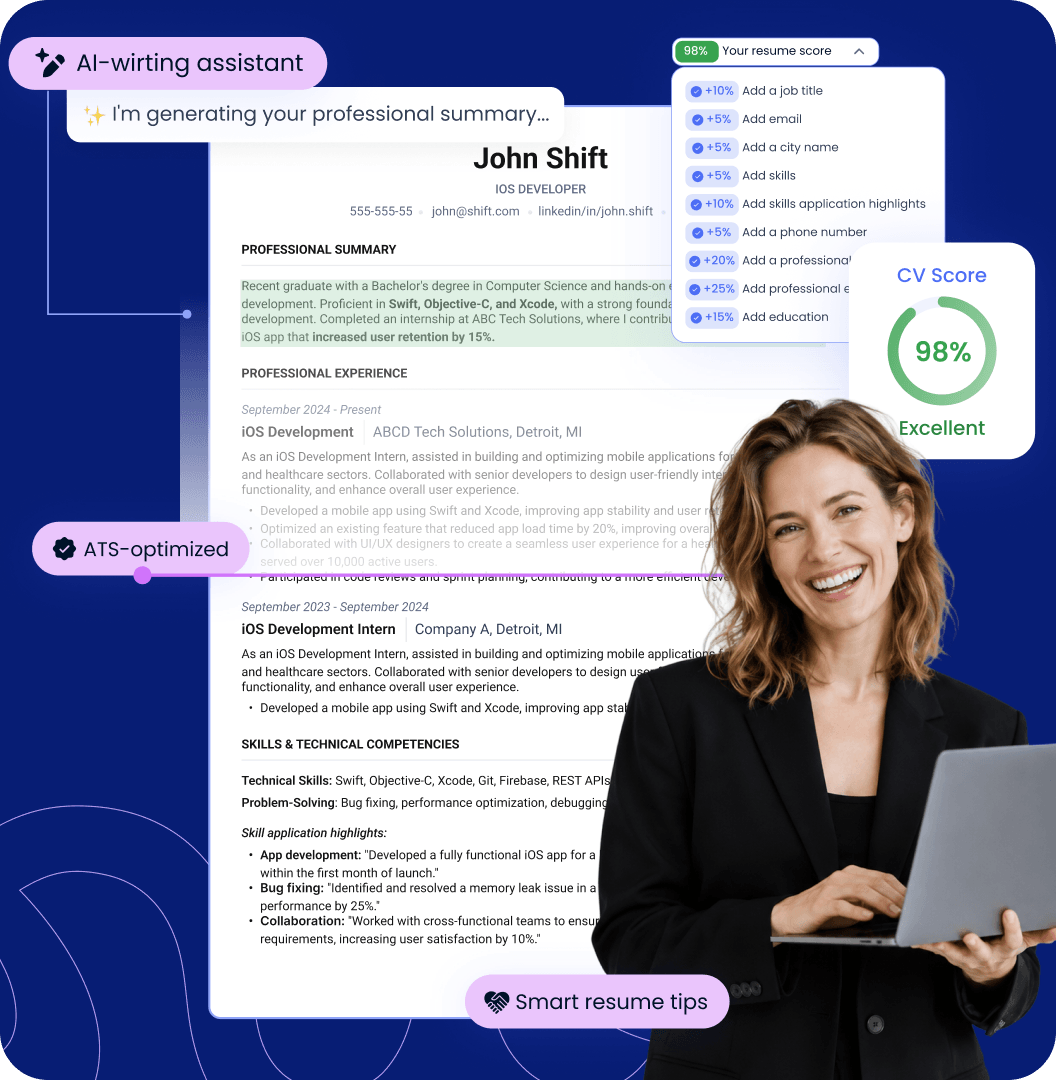
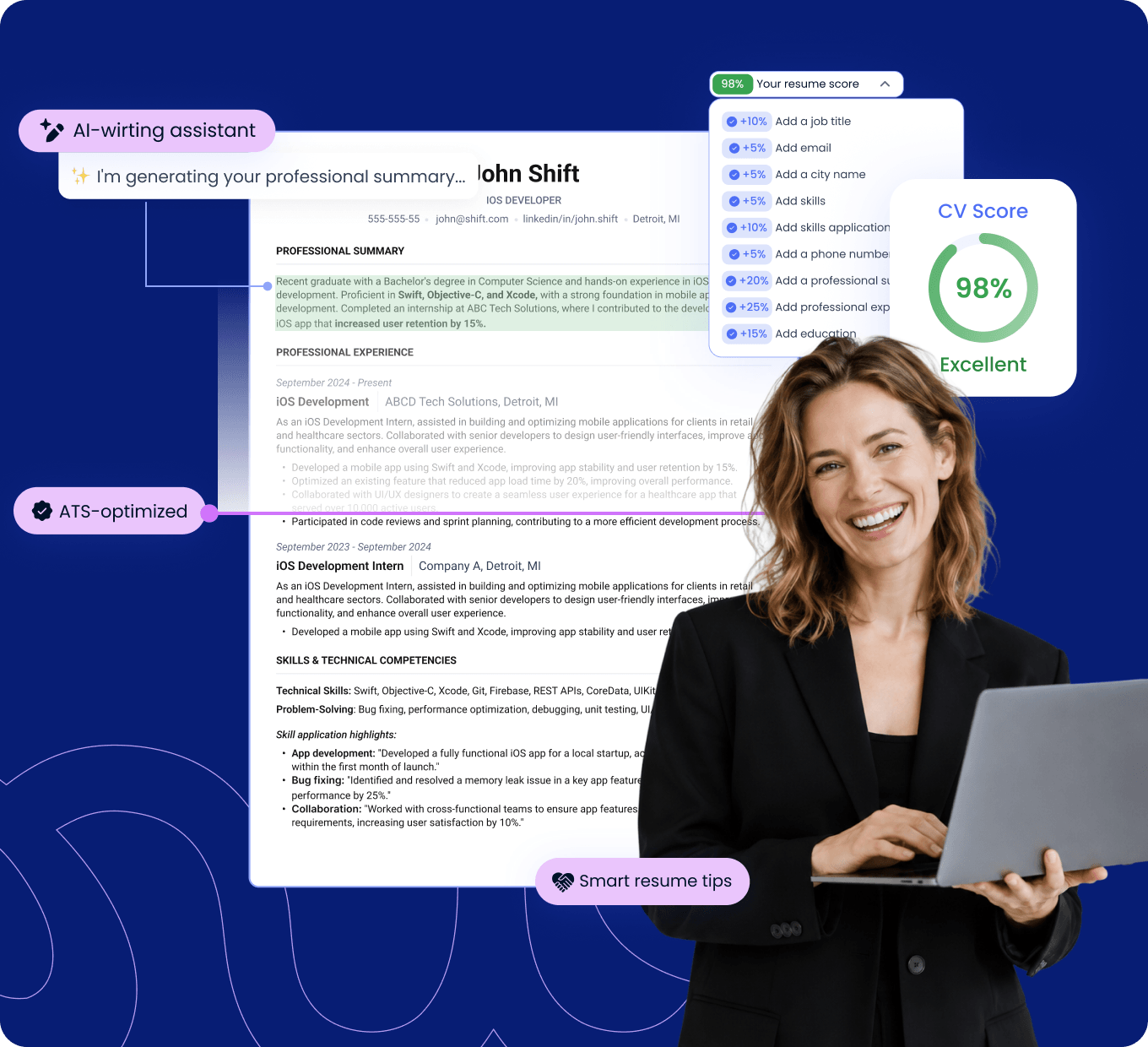
How an AI CV Builder can improve your chances of getting hired

Save hours of CV writing
Use AI to write, improve, and refine your CV faster instead of spending hours rewriting every section manually

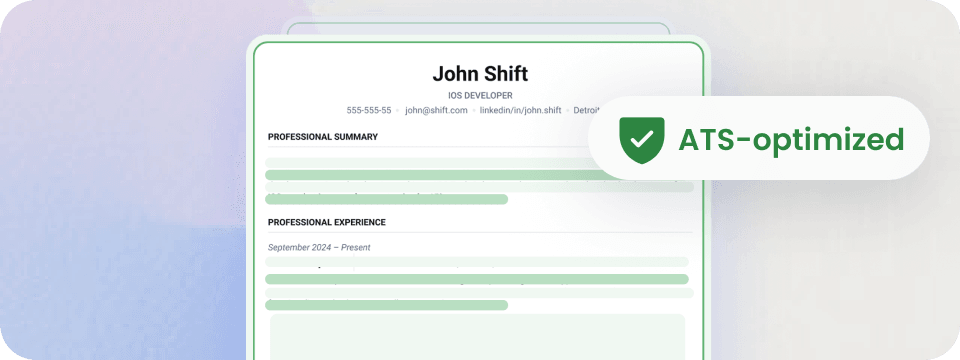
Pass ATS screening and reach recruiters
Structure your CV clearly so applicant tracking systems can read and process your information more easily
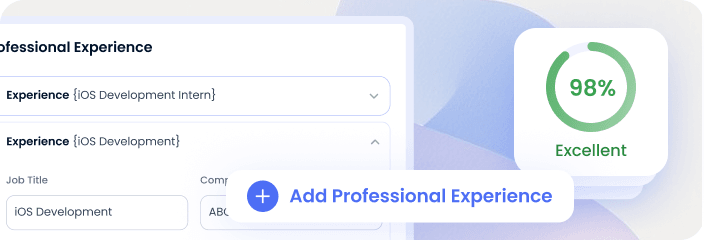
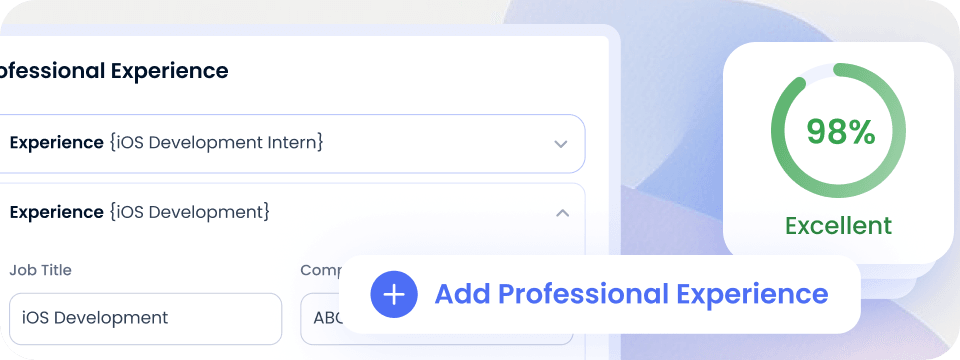
Make your experience clear to recruiters
Turn your experience into focused content so recruiters quickly see your skills, responsibilities, and achievements
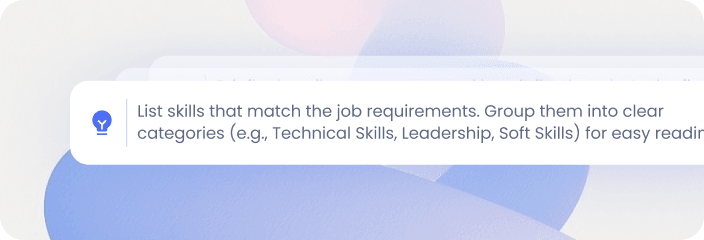
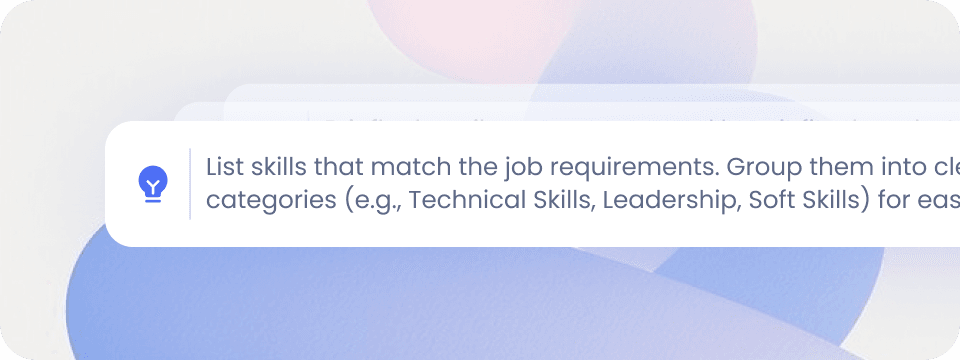
Stop guessing what to write
Get built-in guidance on what to include, how to structure your CV, and which parts need more work
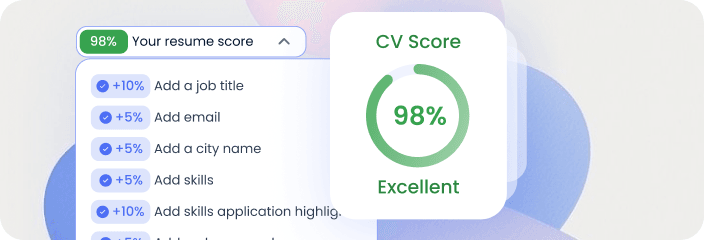
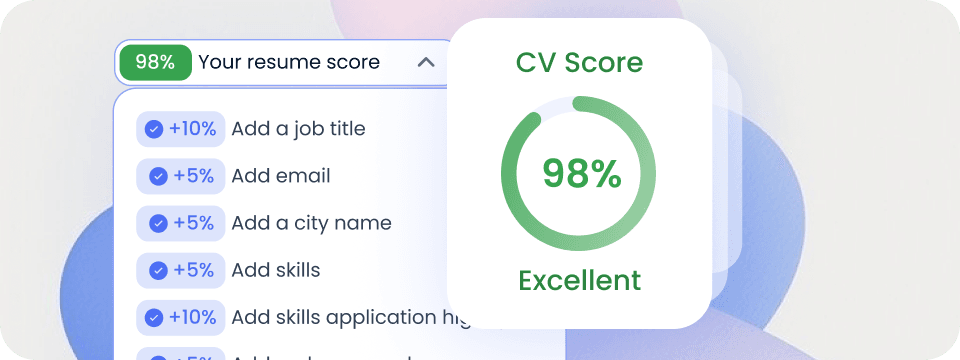
Increase your chances of getting interviews
Build stronger and more complete CV before you apply, so recruiters can quickly see why you’re a good fit
Your CV might be the problem!
Even qualified candidates can miss opportunities when their resume is hard for ATS to parse, fails to show their value, or never gets finished
You don’t know where to start
You may not know which details to include, which sections you need, or how to describe your experience
 BLANK-PAGE PARALYSIS
Your resume looks vague and generic
Your descriptions and bullet points can be generic and make it hard to see your real achievements and value
SOUNDS LIKE EVERYONE ELSEYour resume doesn't pass ATS screening
Poor formatting, structure, and irrelevant keywords can make your resume harder for ATS to parse and match
APPLIED AND NEVER HEARD BACK
Build your CV with smart guidance at every step
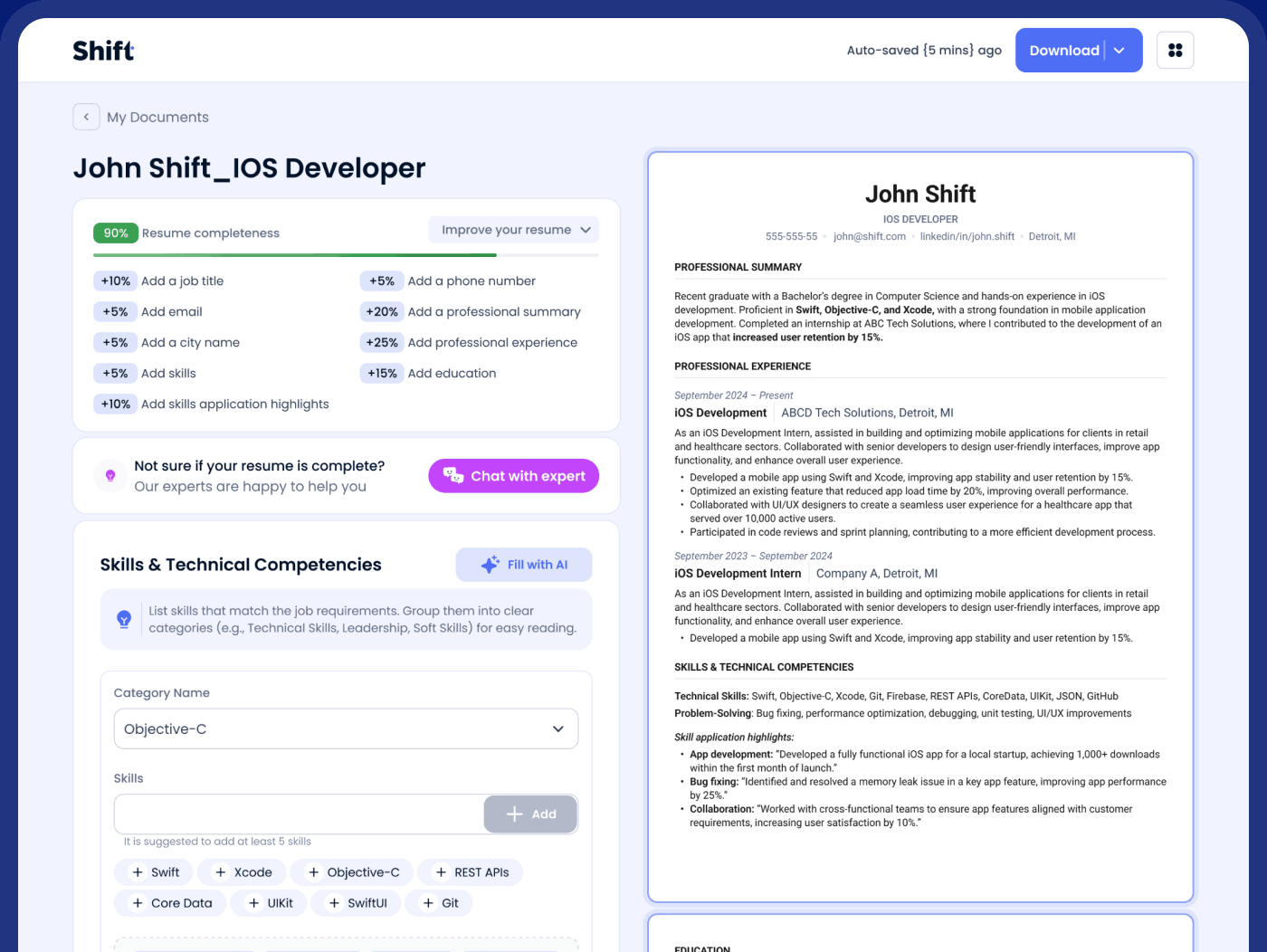
Edit with smart AI suggestions, check your CV score live and preview your resume as you build
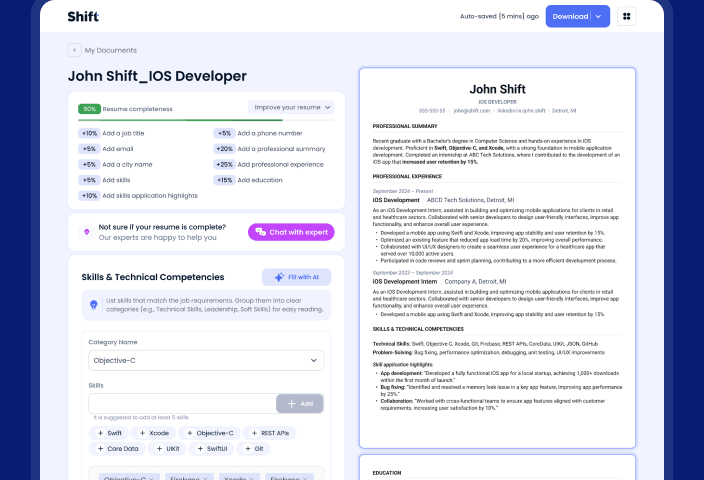
Your smart CV score
See your CV's completeness score and how to improve it
Live resume preview
See every change as you build
AI-powered suggestions
Get AI suggestions to make your CV content stronger




Join 35,000+ Shift users worldwide
3 Simple Steps
AI CV Builder is easy to use
 Step 1
AI CV Parsing
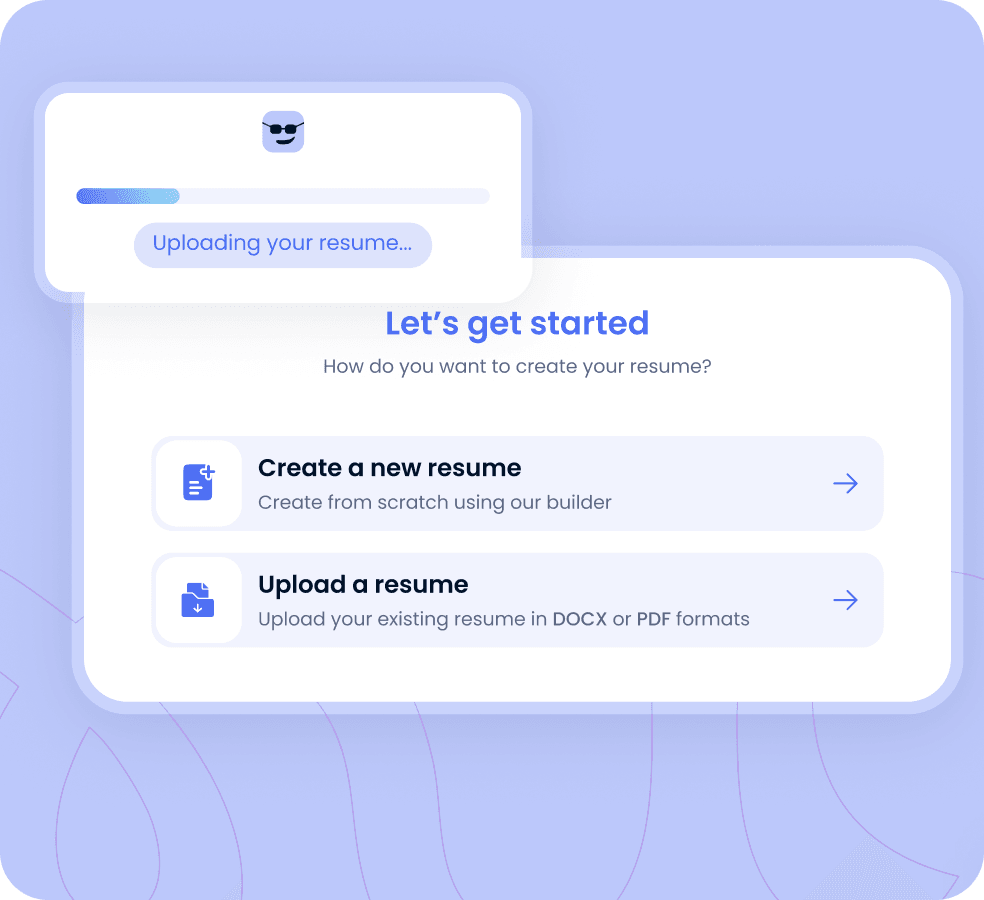
Upload your current CV and let our AI CV parser extract and organize your details automatically
 Upload your CV or Add details manually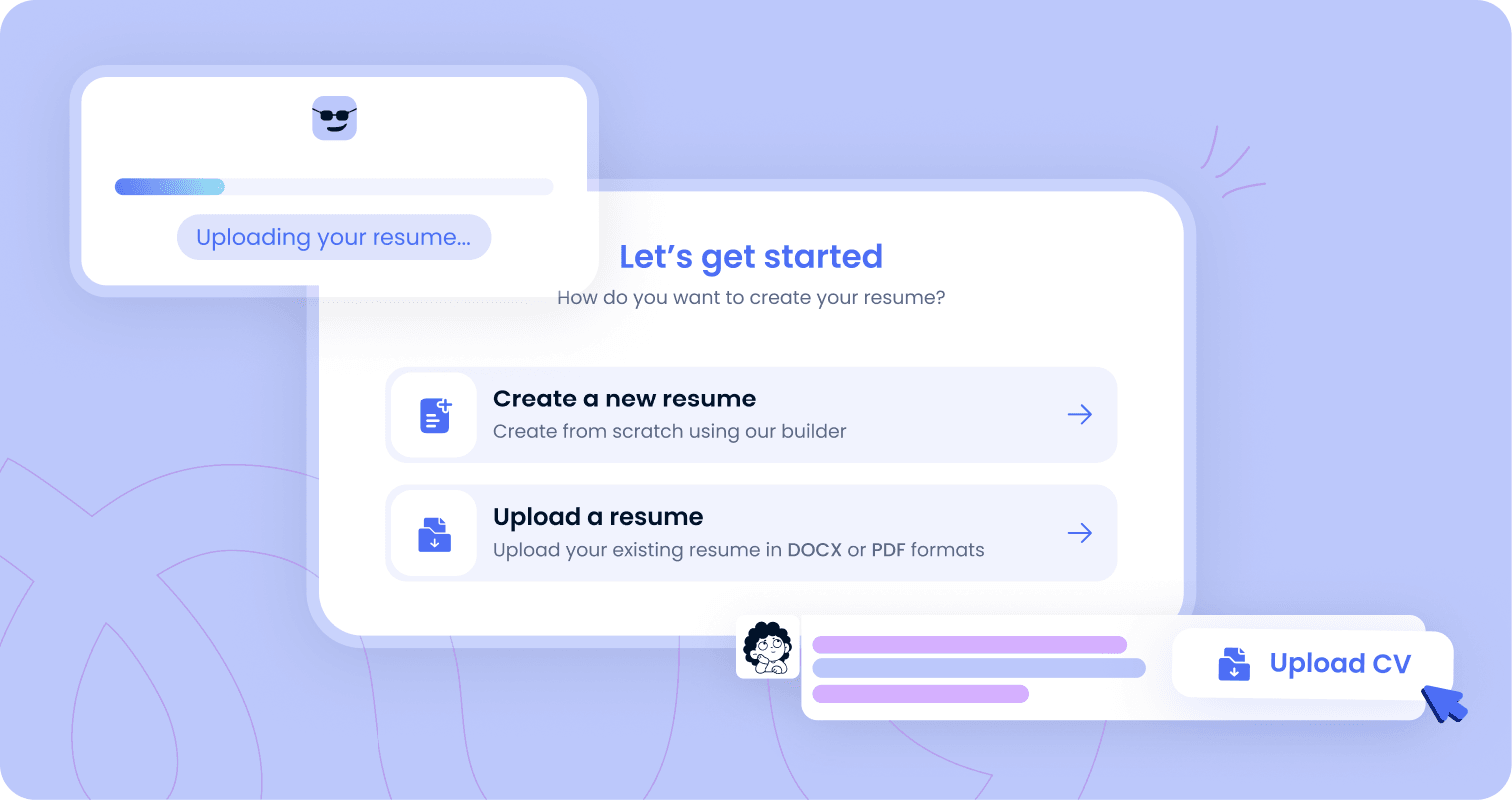
 Step 2
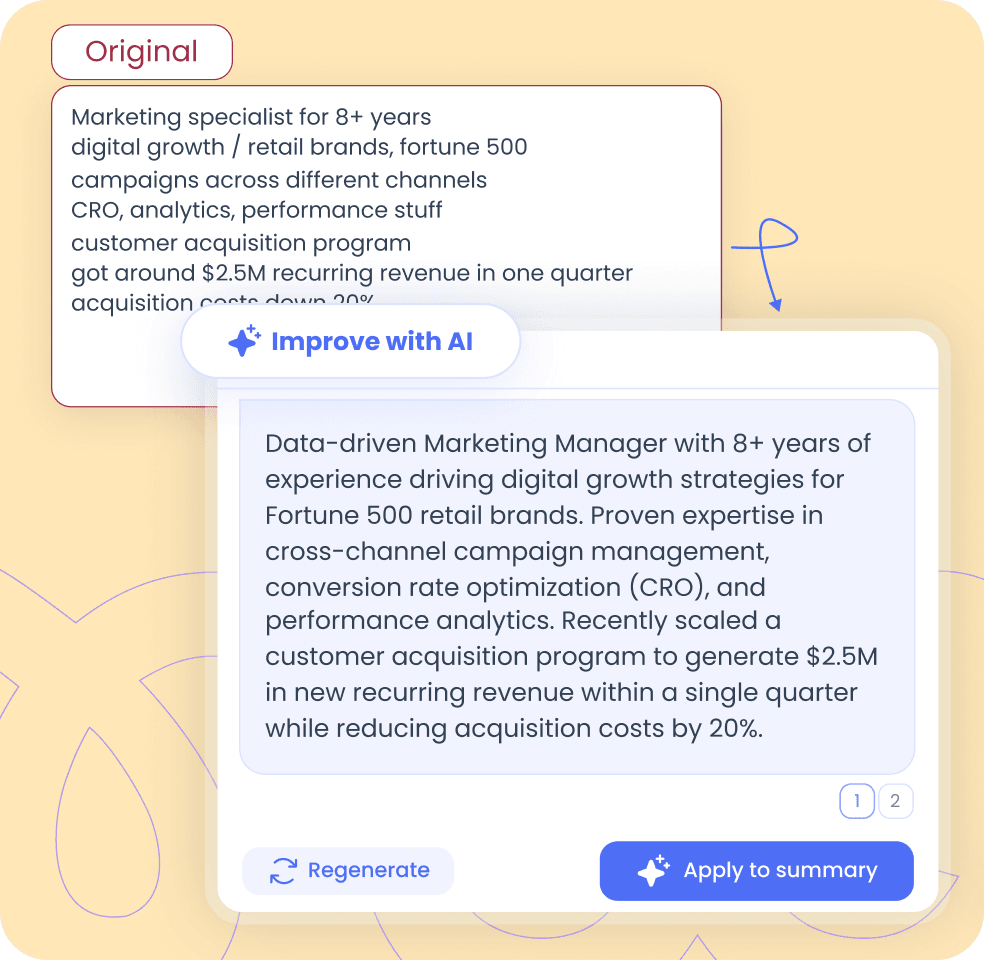
Improve your CV with AI
Use AI to write and refine your CV content while you stay in control
- Summarizes your experience and strengths
- Creates a clear professional introduction
 Step 3
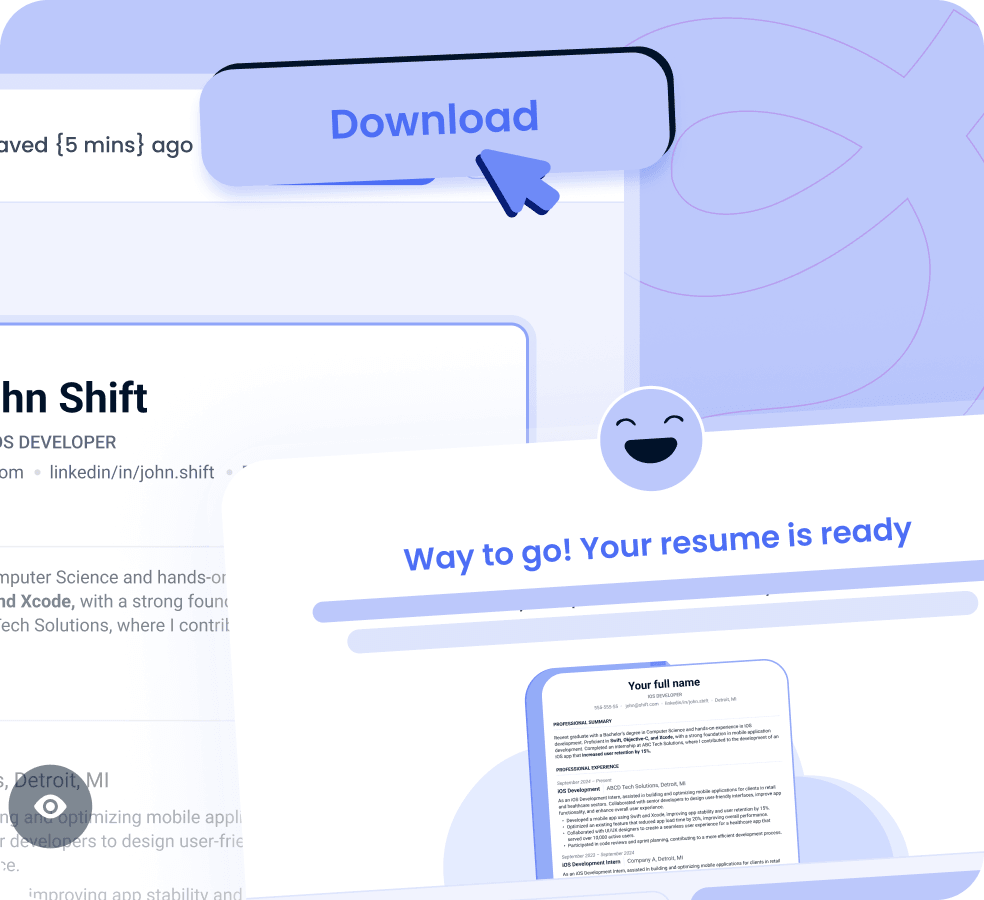
Download your CV
Make any final changes, download your completed CV, and start applying
 Preview your ready CVDownload your CV as PDF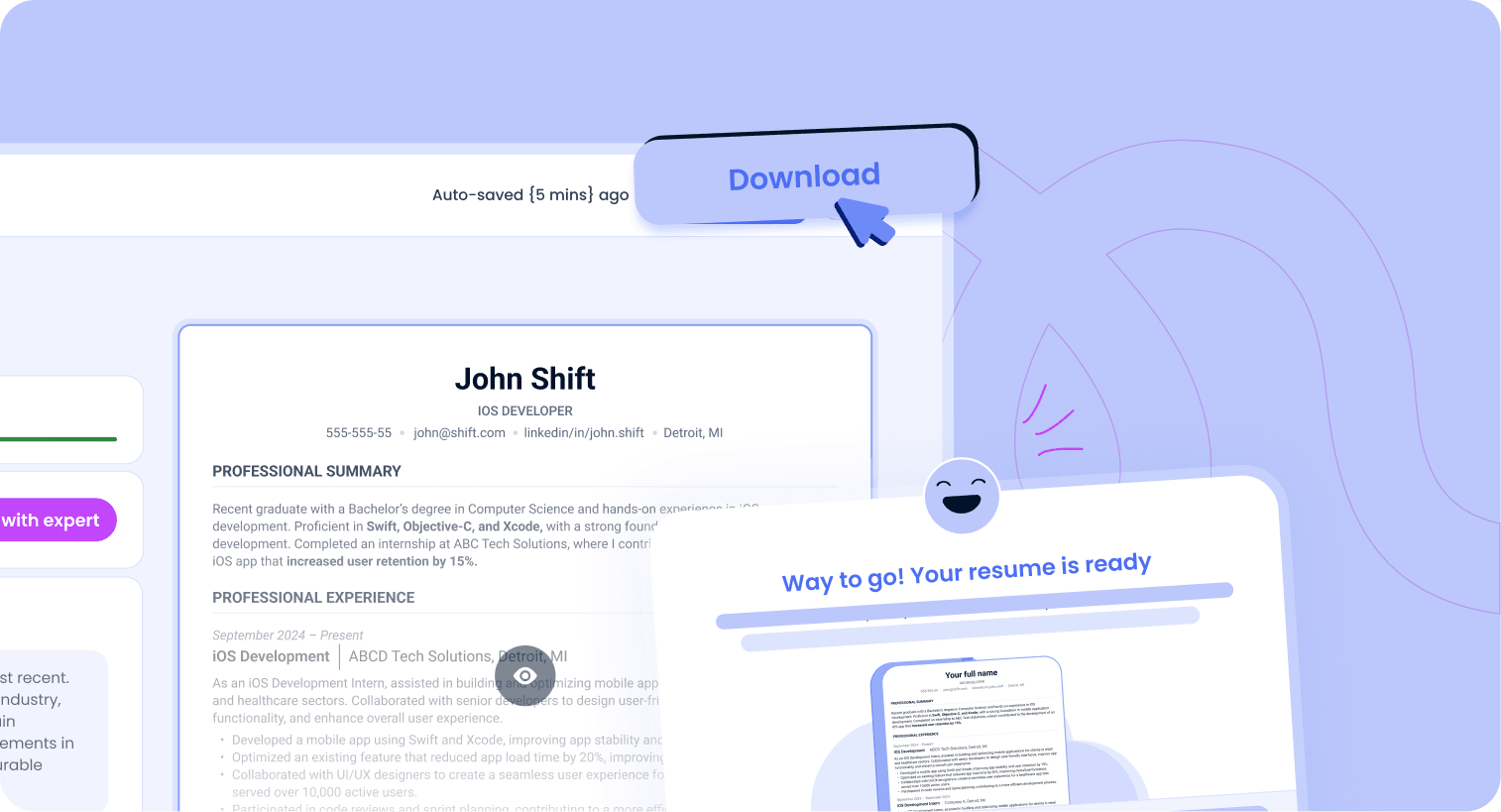


Build your CV the easy way
Three simple steps: add your details, improve your content with AI, and download your CV with a subscription

What users say about Shift

 Verified
I realized I was not at fault for having little work experience or education. It was my Resumé format and LinkedIn all along
Customer
United States 🇺🇸
- Verified
Team helped recreate my resume so I can apply to jobs other than teaching. … Great to work with and great turnaround on answers to questions
Ann-marie
United States 🇺🇸
- Verified
Great interaction with my coach and super helpful tools to improve my resume, cover letter and LinkedIn profile
Eunice
Uganda 🇺🇬
- Verified
My coach picked up on things about my CV that I genuinely couldn't see myself. I'd been writing job descriptions instead of talking about impact
Juana Lagos
Canada 🇨🇦
- Verified
CV and LinkedIn profile. Following the changes, I noticed an increase in recruiter engagement and interview opportunities, which ultimately contributed to my successful job search
Sanjeev Chowdhury
United States 🇺🇸
- Verified
I appreciate the suggestions made to improve my CV. They helped me identify things to add that I might not have thought of
Tara Tamang
Nepal 🇳🇵
- Verified
I realized I was not at fault for having little work experience or education. It was my Resumé format and LinkedIn all along
Customer
United States 🇺🇸
- Verified
Team helped recreate my resume so I can apply to jobs other than teaching. … Great to work with and great turnaround on answers to questions
Ann-marie
United States 🇺🇸
- Verified
Great interaction with my coach and super helpful tools to improve my resume, cover letter and LinkedIn profile
Eunice
Uganda 🇺🇬
- Verified
My coach picked up on things about my CV that I genuinely couldn't see myself. I'd been writing job descriptions instead of talking about impact
Juana Lagos
Canada 🇨🇦
- Verified
CV and LinkedIn profile. Following the changes, I noticed an increase in recruiter engagement and interview opportunities, which ultimately contributed to my successful job search
Sanjeev Chowdhury
United States 🇺🇸
- Verified
I appreciate the suggestions made to improve my CV. They helped me identify things to add that I might not have thought of
Tara Tamang
Nepal 🇳🇵
Built for professionals in every field
 E-commerce
 Sales
Sales Project Managers
 Teacher
 Engineer
 Accounting
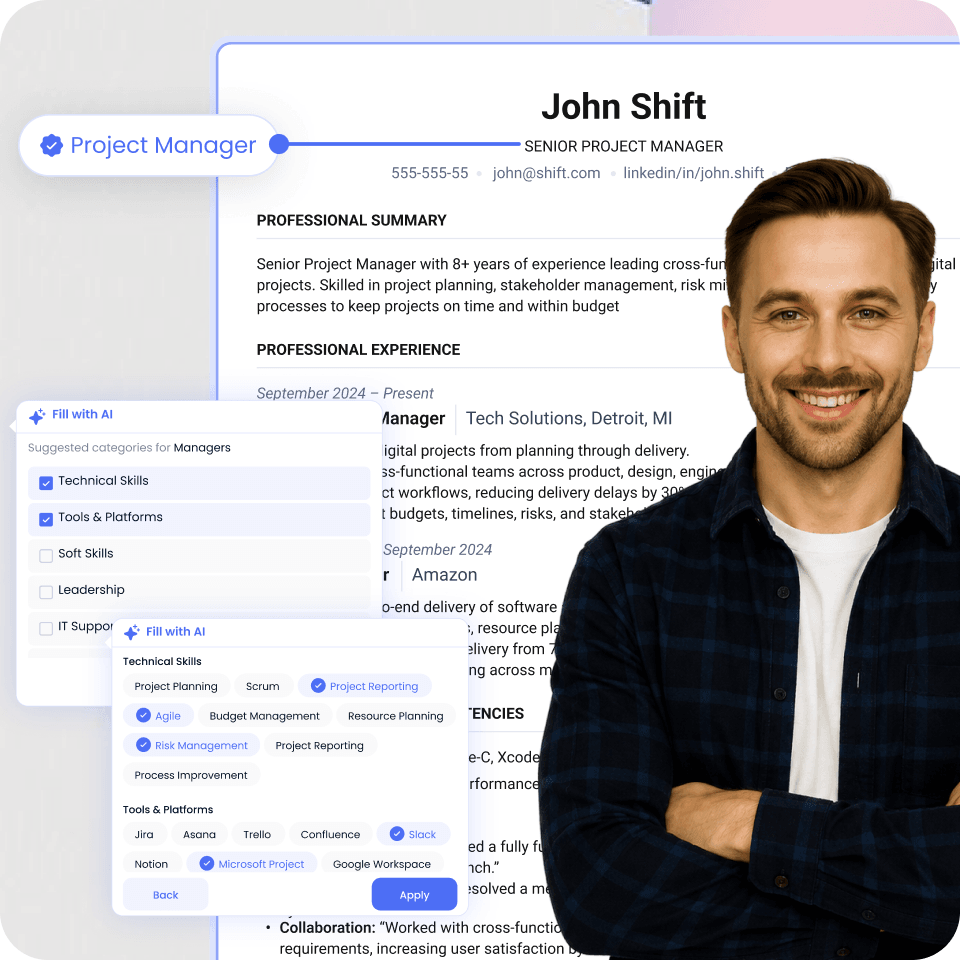
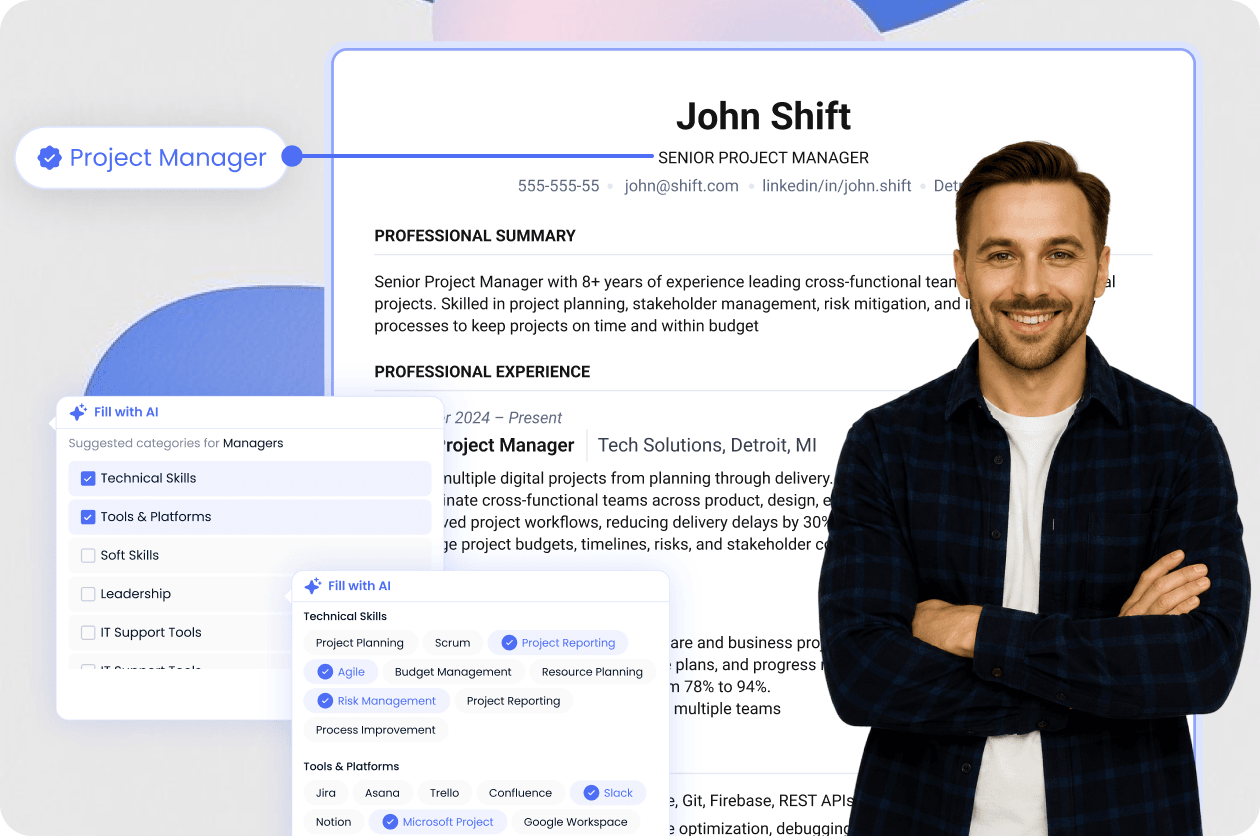
Shift helps experienced professionals turn a long career history into a focused CV. Highlight leadership, team impact, career growth, and key achievements while AI helps you summarize your experience and make every section clearer
- Managers
- Directors and VPs
 Senior individual contributors
Why CV optimization matters for your job search
Your CV needs to work for both screening systems and recruiters. Clear structure, strong content, and complete information make it easier to review

Make your CV easier for ATS to read
Use a clear structure so applicant tracking systems can process your information more easily

Make your experience easy to scan
Present your skills, responsibilities, and achievements clearly so recruiters can find the key information faster

Fix weak or missing content before applying
Check what’s incomplete or unclear and improve those sections before you start sending your CV
Shift CV builder VS Manual CV writing
 Ready in minutes
- Upload your CV and auto-organize content
- Get AI-powered suggestions
- Check your CV score as you build
- Build with ATS in mind
- Edit and preview in one place

 Can take hours
- Enter and organize everything yourself
- Write and rewrite on your own
- Guess what needs improvement
- Formatting may cause ATS issues
- Manage content and formatting separately
Shift is more than just a CV builder
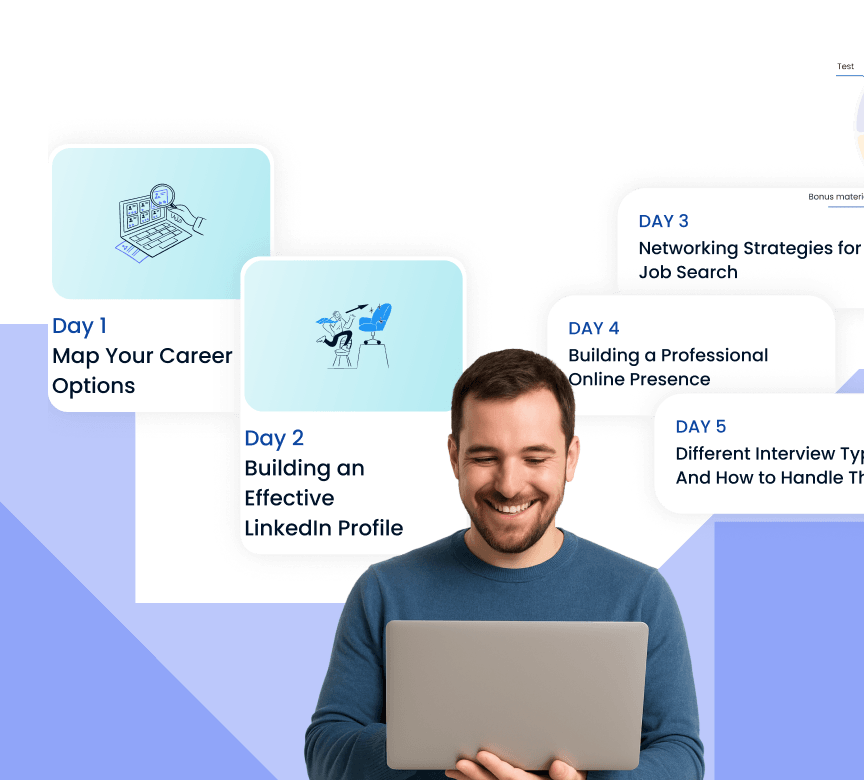
We got all the tools for your next career move in one Personalized Job Search Plan
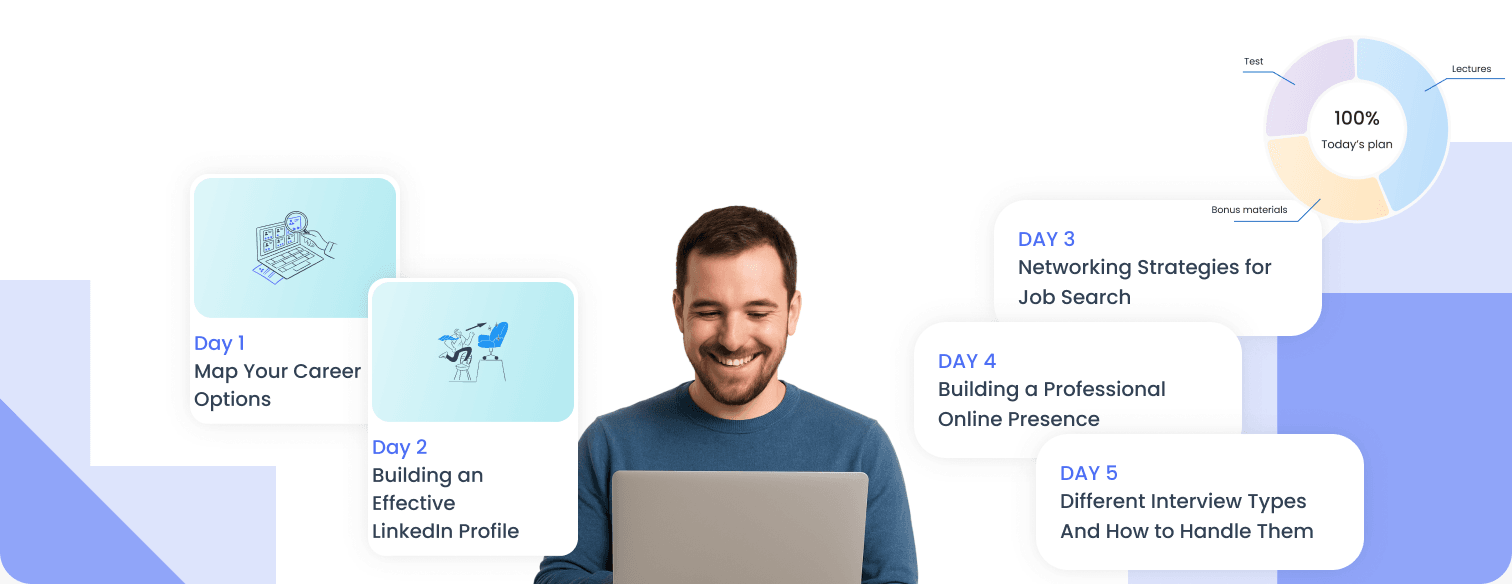
 Personalized Job Search Plan
 We prepare a personalised plan according to your current goals
- You will have a clear understanding of your job search strategy and next steps.
- A step-by-step plan to overcome your challenges.
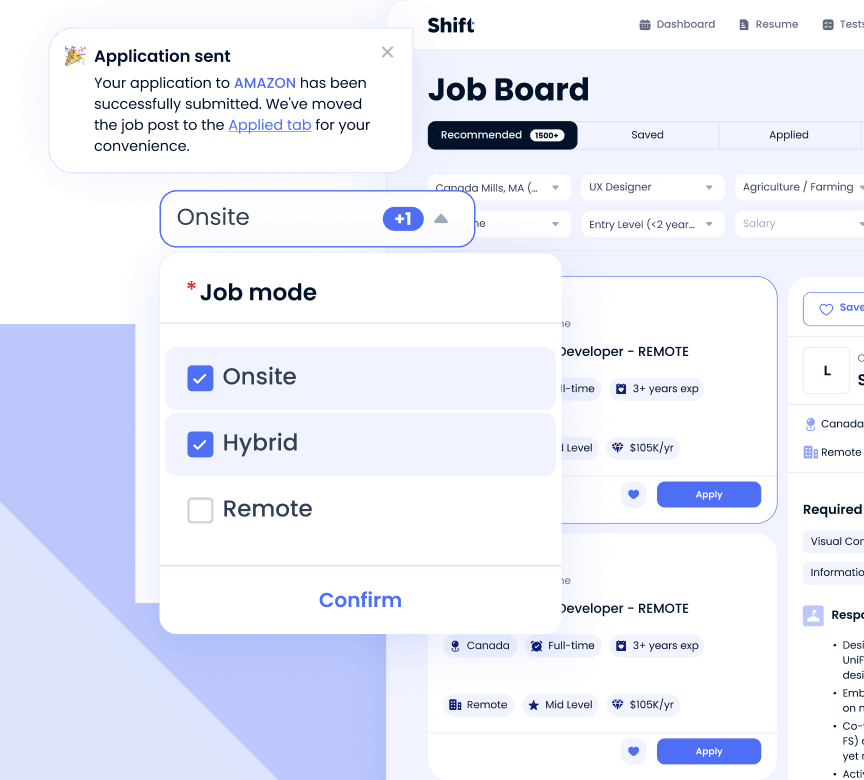
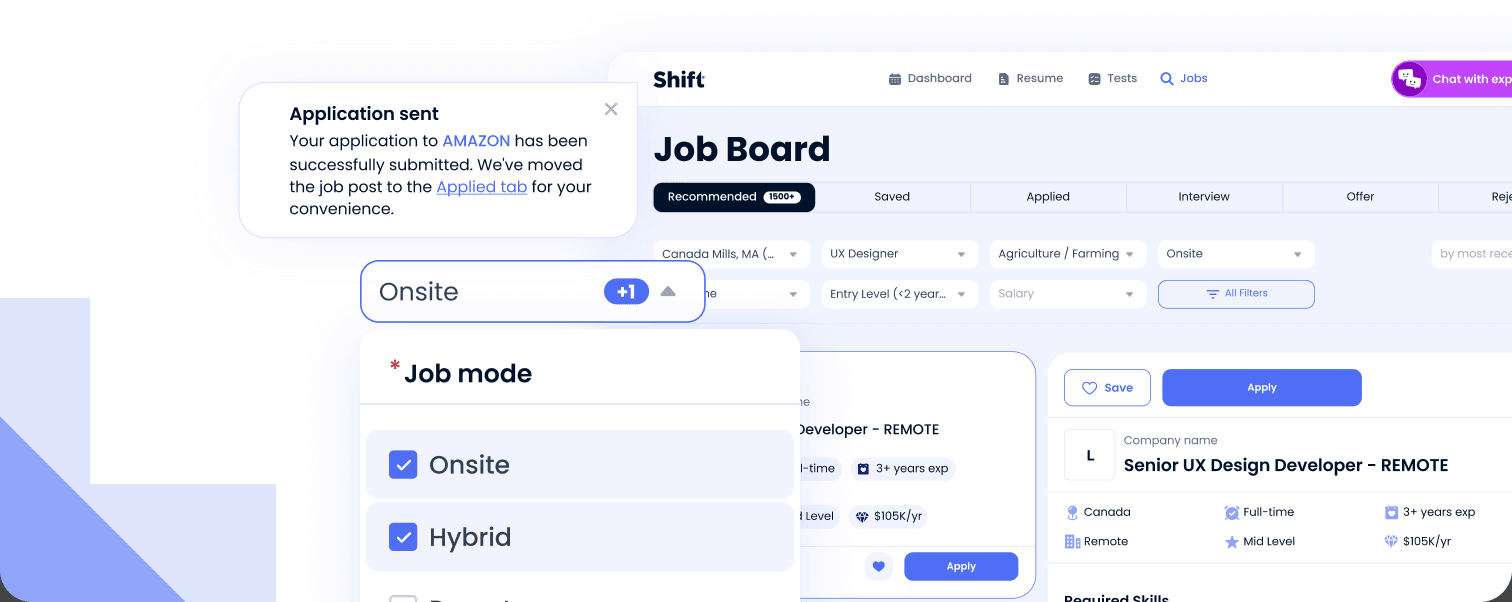
 Job Board
- Discover jobs that match what you’re looking for in one place
- Filter roles by location, industry, experience level, job type, and more
- Save opportunities and track your applications from applied to interview
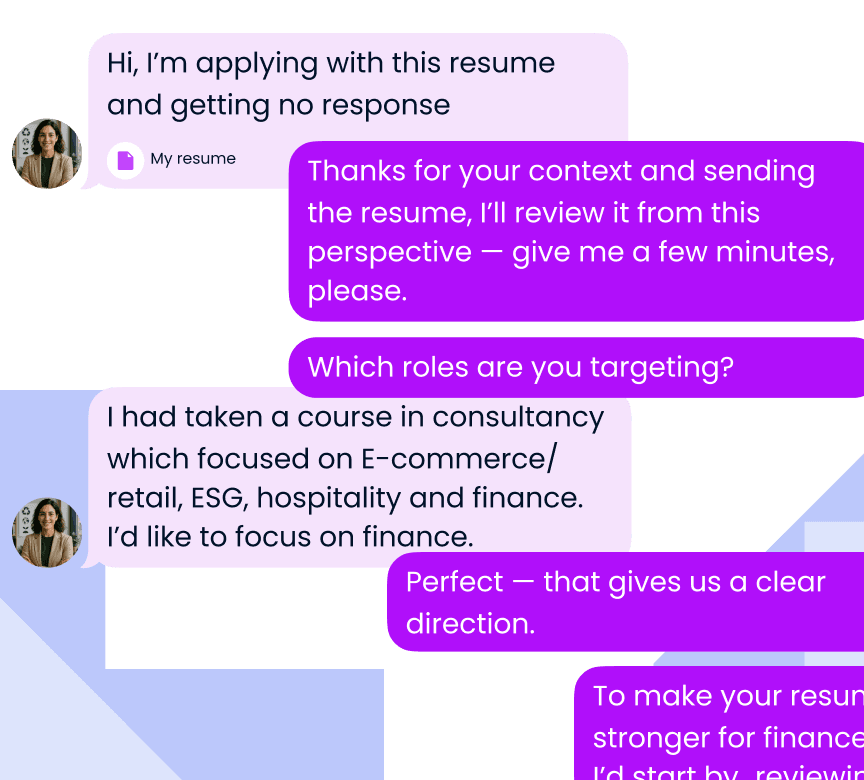
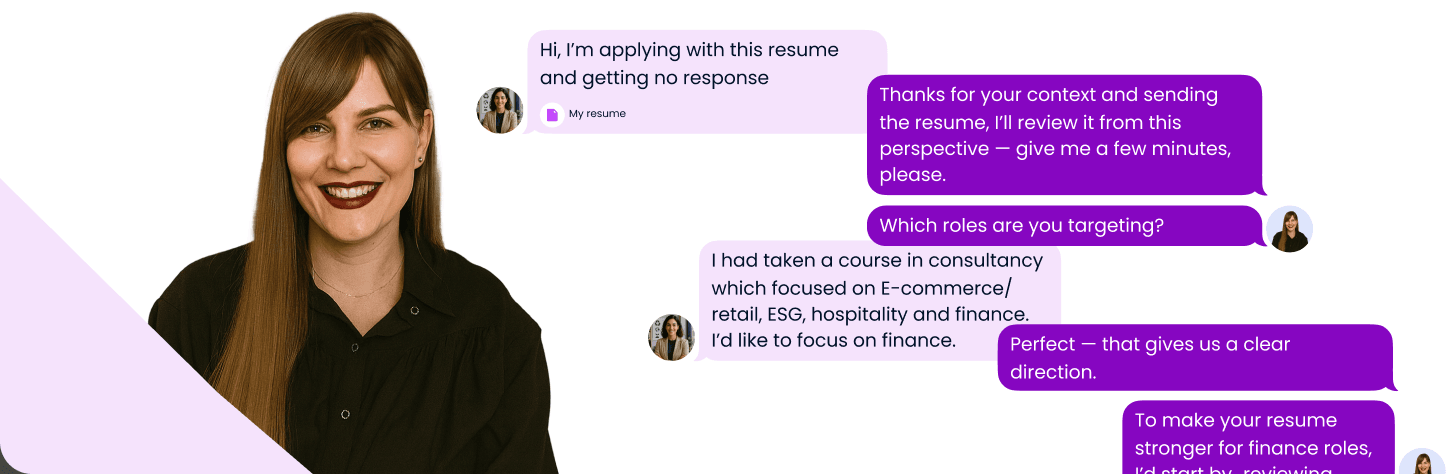
 Personal Career Coaching
- Meet 1-on-1 with a career coach and get support tailored to your goals
- Get personalized feedback on your CV, target roles, and job search strategy
- Leave each session with clear, practical next steps you can act on
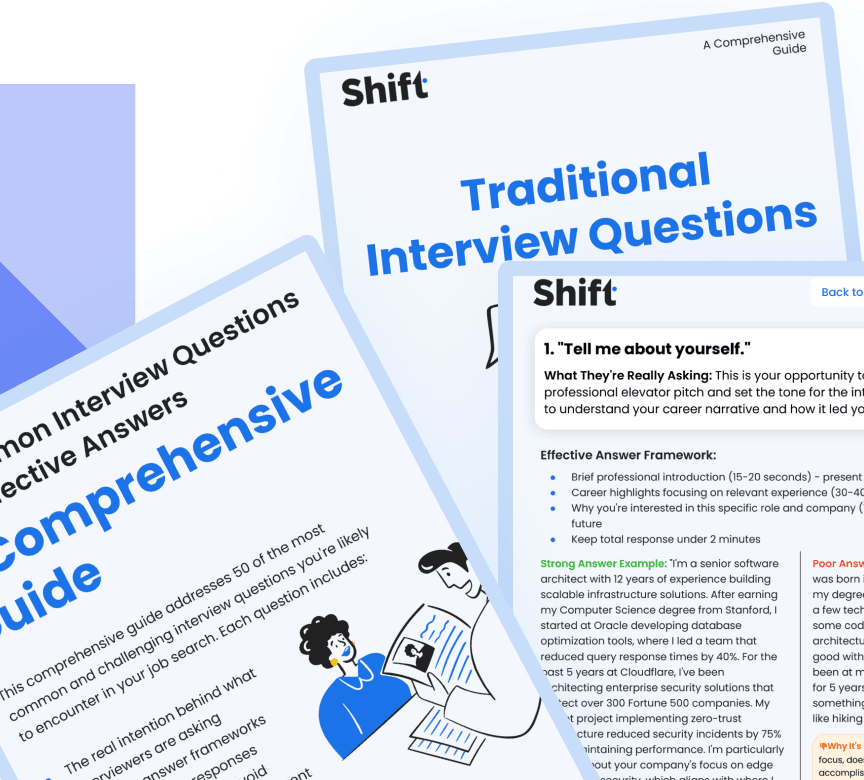
 Advanced Job Search Insights
- We break down practical job-search tips in a simple, easy-to-follow way
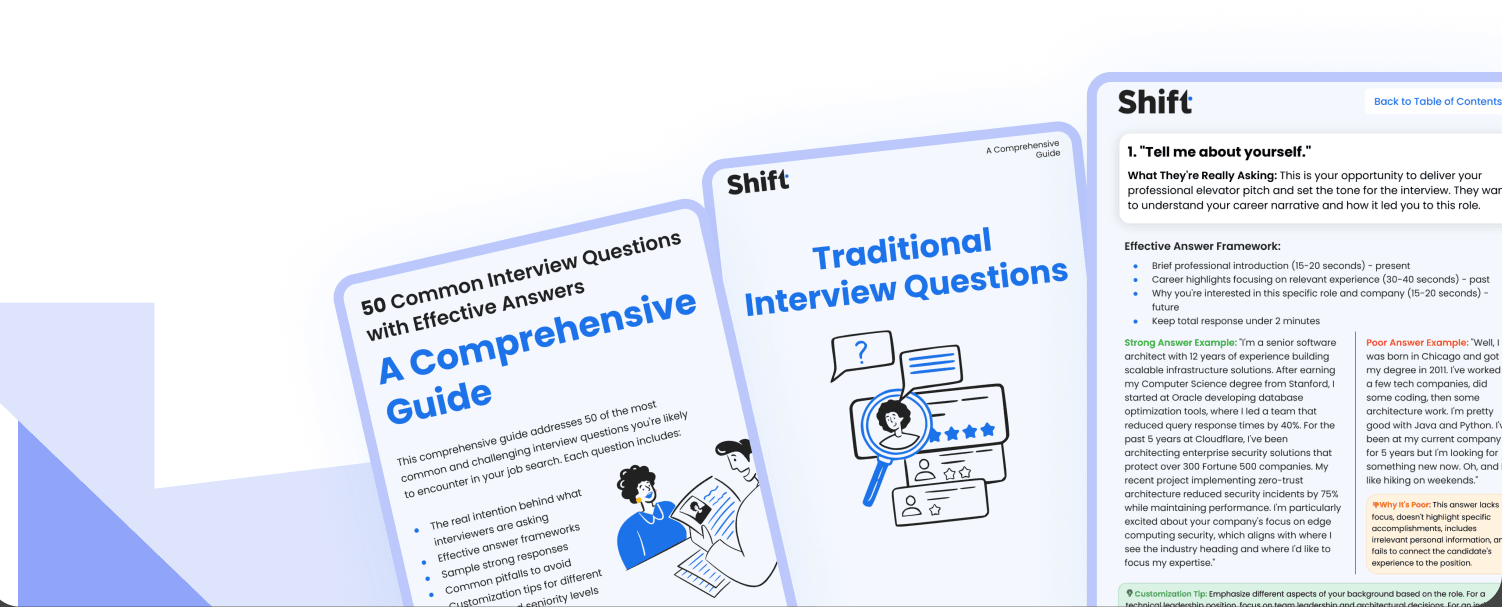
- Enjoy checklists, infographics, and guidelines.
- Small daily steps toward your next offer
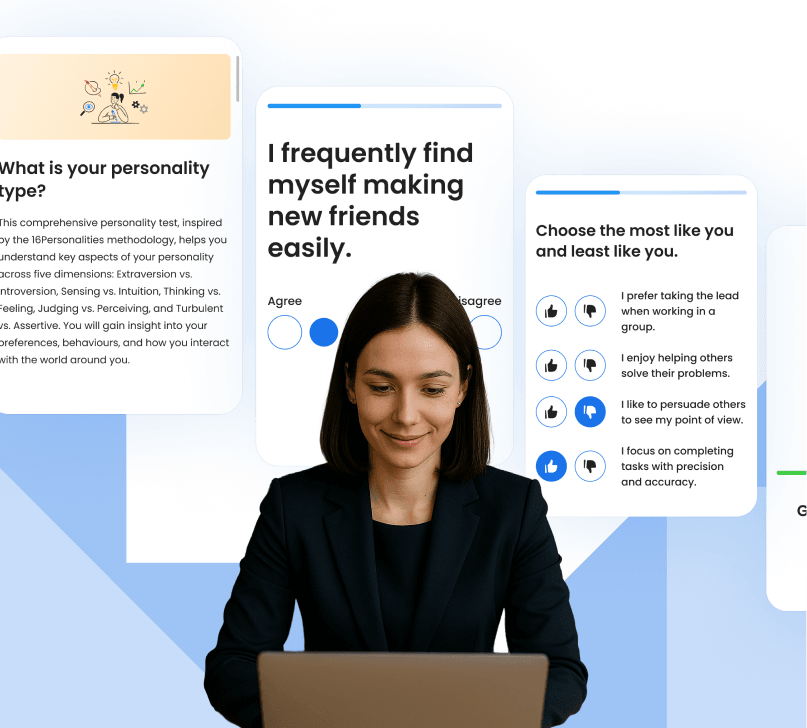
 Skills and Profile Tests
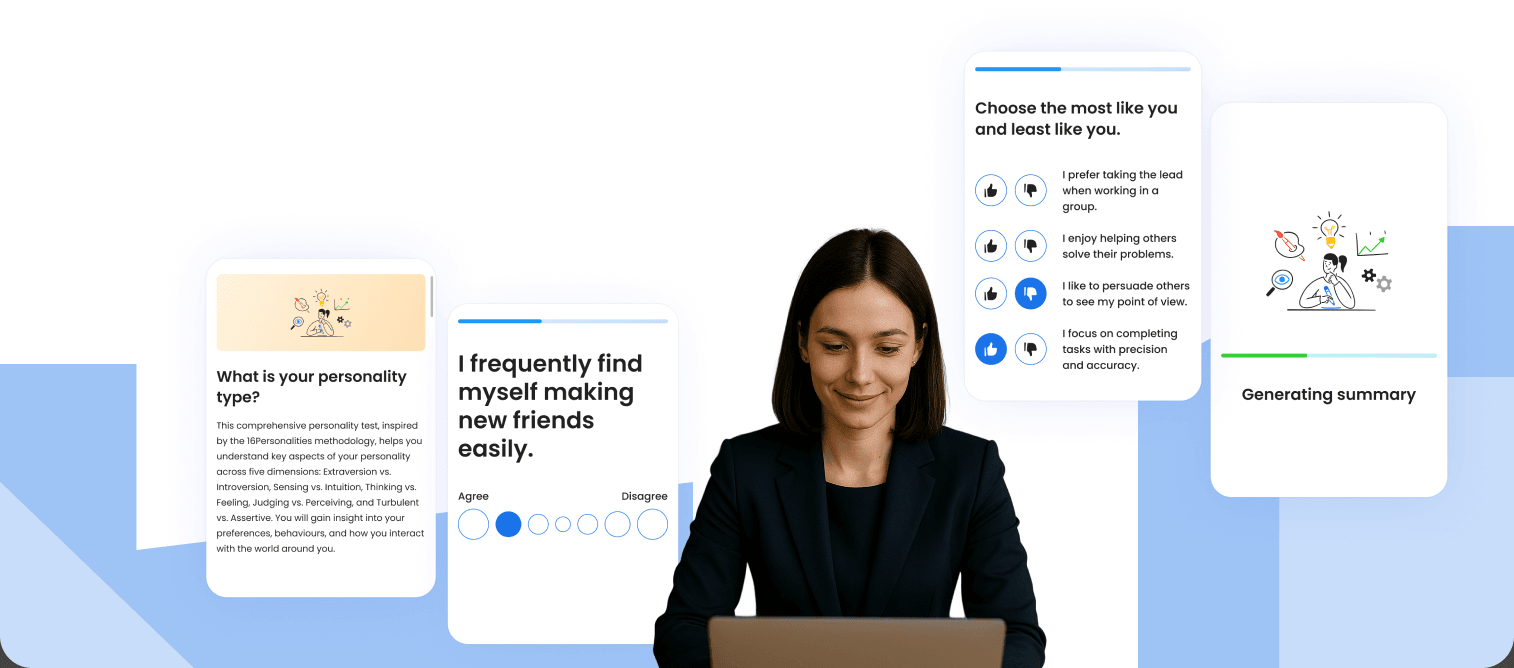
- Learn more about your strong sides and areas for improvement, get career choice recommendations
- Become confident in what value you can bring to your next company.
- We prepare a personalised plan according to your current goals
- You will have a clear understanding of your job search strategy and next steps.
- A step-by-step plan to overcome your challenges.

FAQ
Got questions about Shift CV Builder?
Try it yourself
Build your CV and see how Shift improves it as you go
Build a CV that gets you noticed
Three simple steps: add your details, improve your content with AI, and download your CV with a subscription
Create a Professional CV Online With Shift
Shift is an online CV maker and AI resume builder that turns your work history into a structured, recruiter-ready document you can download as a PDF. You enter your details once, the AI helps you word them, a live CV score shows what is still missing, and the preview panel displays exactly what a hiring manager will open. No design software, no formatting battles, no blank page.
What follows is the practical part: how to build your resume step by step, what belongs in every section, how to make your CV easier for applicant tracking systems to process, and how to keep one CV useful across dozens of applications.
How to Build a Professional CV Online
What is an AI CV builder?
An AI CV builder is an online tool that combines three things a downloadable template cannot: structured data entry, automated writing assistance, and a real-time completeness check. A template hands you a layout and leaves the hard part — the wording — to you. An AI CV generator collects your information into defined fields (job title, company, dates, achievements), proposes wording for each one, and keeps the underlying document consistently structured.
That last point matters more than most candidates realise. Applicant tracking systems do not look at a CV the way a person does; they parse it. Clean, labelled fields instead of text boxes and multi-column layouts give parsers the best chance of reading your experience the way you intended.
How to build your CV in three steps
- Start from your existing CV, or from scratch. Upload a DOCX or PDF and the AI CV parser extracts your contact details, roles, dates, education and skills into editable sections. No document yet? Begin with a blank profile and work through the guided fields.
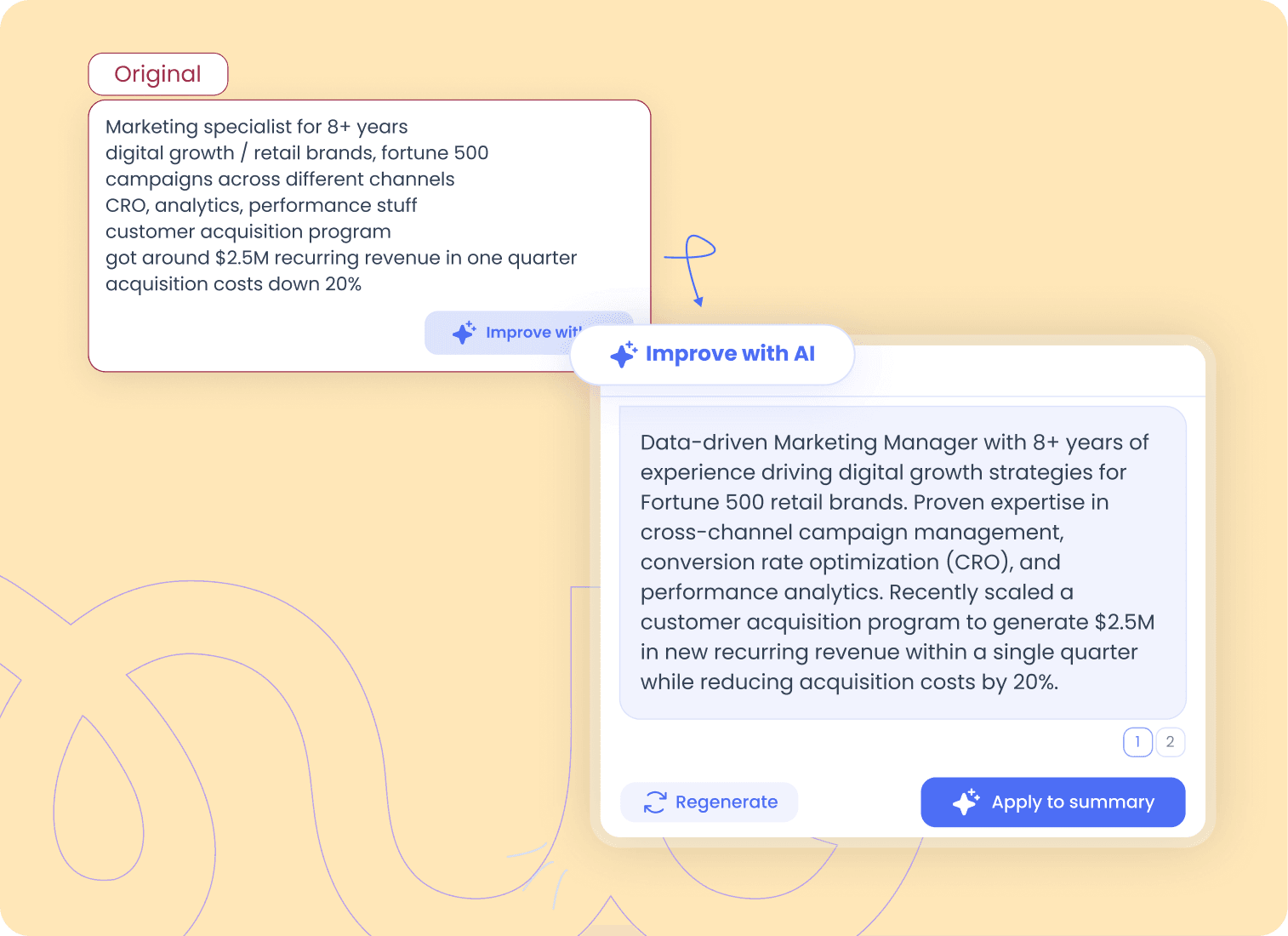
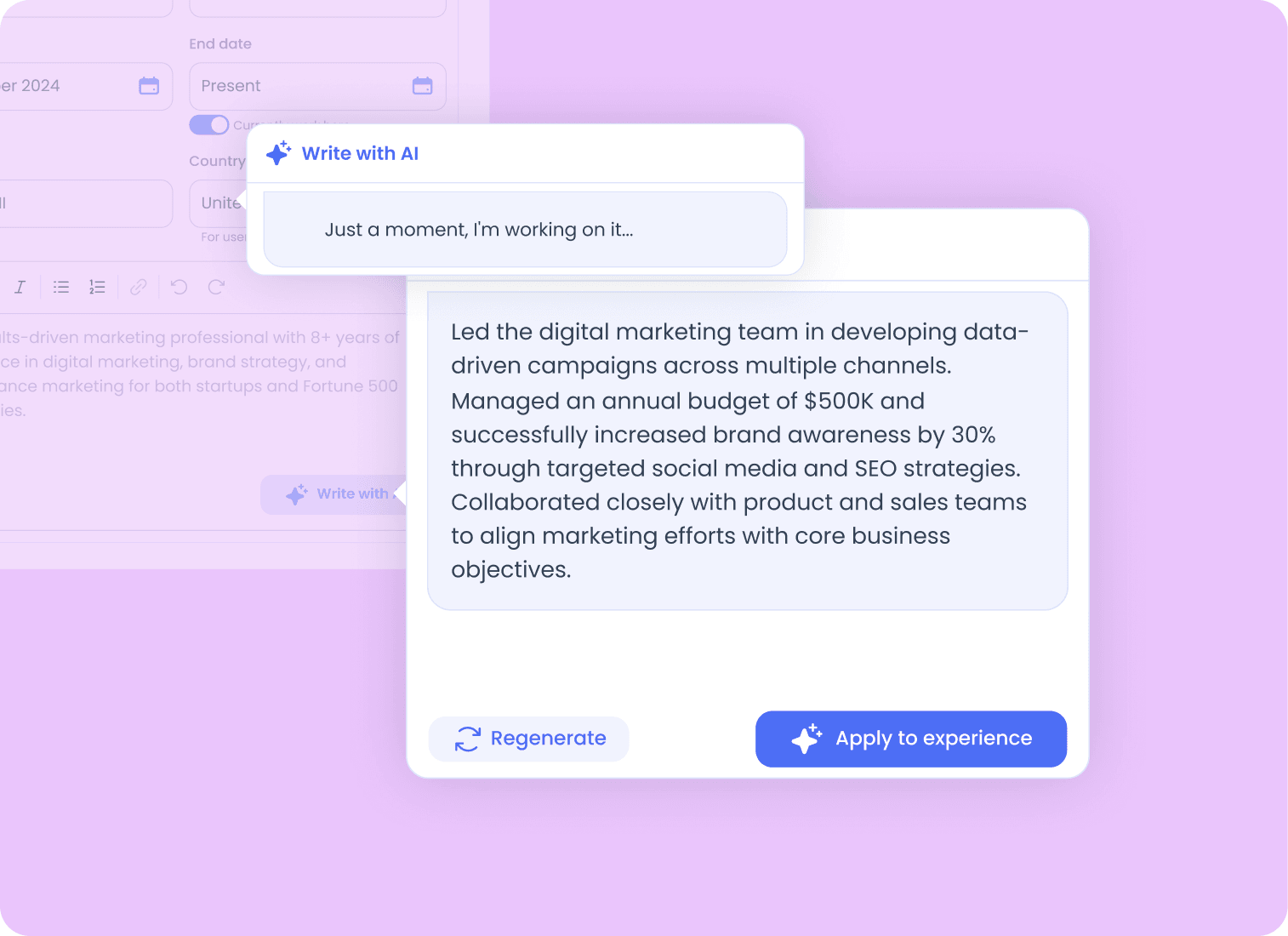
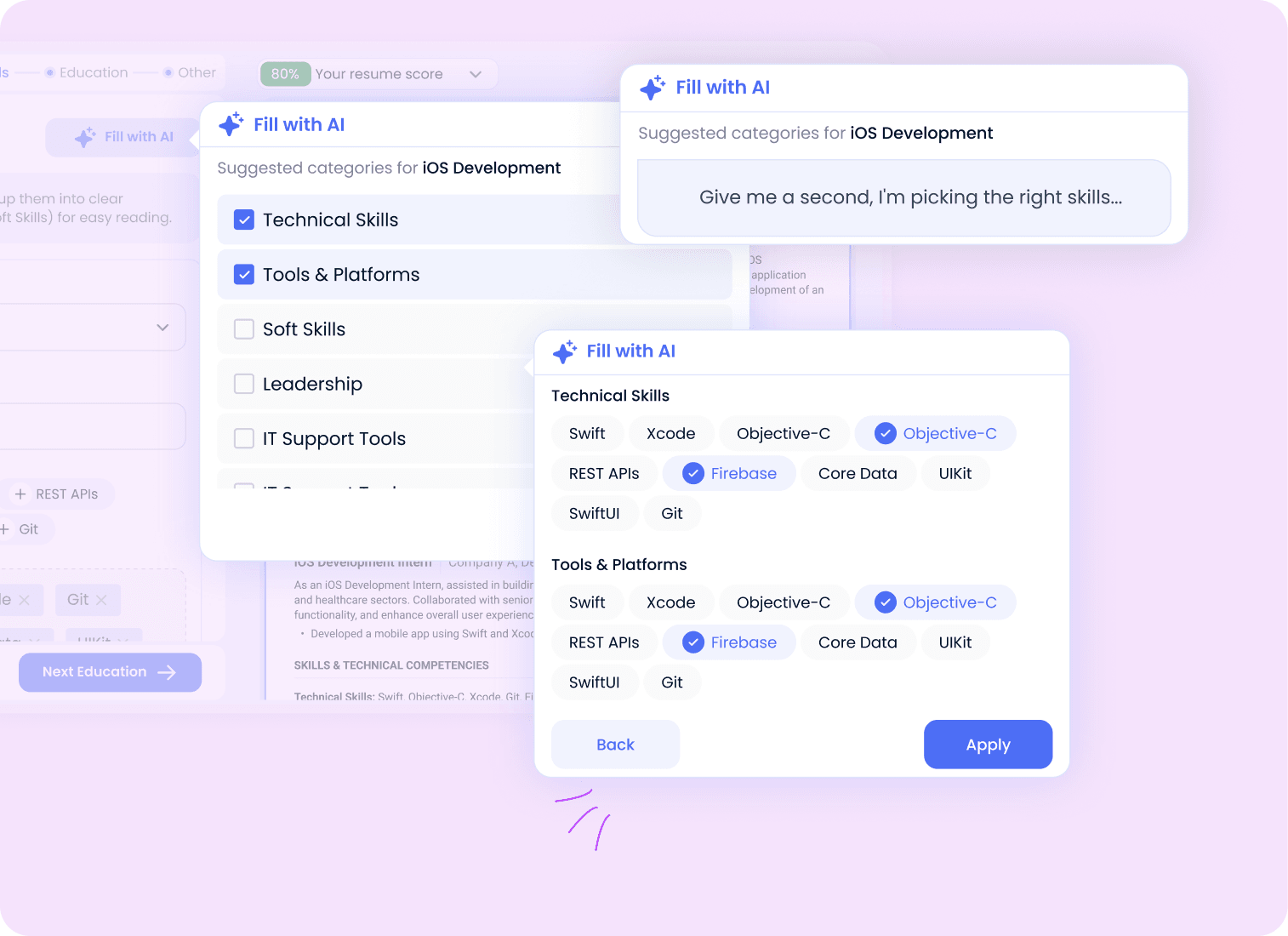
- Improve the content with AI. AI summary generation writes a professional introduction from the experience you’ve already entered. AI experience writing converts rough notes — “ran campaigns, cut costs” — into clear, results-focused bullet points. The AI skill finder proposes skill categories that suit your role, so a project manager sees Project Planning, Risk Management and Budget Management rather than a generic list. Every suggestion is a draft: accept it, edit it, or regenerate it.
- Preview, score, download. This is where building your resume online beats editing a file offline: the CV score updates as you type and names the specific gaps — missing job title, no professional summary, thin skills section — instead of leaving you to guess. When the score is where you want it, download the finished CV as a PDF and start applying.
Can you upload an existing CV and improve it?
Yes, and for most people it’s the faster route. If your employment history is current but the writing has aged, there’s no reason to retype fifteen years of jobs. Upload the file, let the parser rebuild it into editable sections, then spend your time on the parts that actually cost you interviews:
- A professional summary written for a job you no longer want
- Experience bullets that describe duties instead of results
- A skills section missing the tools you’ve learned in the last two years
- Roles from a decade ago taking up as much space as your current one
Improving an existing CV is usually faster than rebuilding one from memory.
Can you build a resume from your LinkedIn profile?
Yes — export your profile as a PDF from LinkedIn (More → Save to PDF on your profile page), then upload that file to the CV parser. Your roles, dates, education and skills are extracted automatically, so you skip the retyping.
What you’ll need to fix afterwards is tone. LinkedIn profiles are written in the first person and tend towards narrative; a CV works by implication and lives on concrete results. LinkedIn also rewards completeness, while a CV rewards relevance — so expect to cut. Treat the imported version as raw material, not a finished document.
CV maker or Word: which is actually faster?
You can absolutely write a CV in Word or Google Docs. The difference is that a general document editor was never designed around this specific job, so you end up doing three things at once: writing the content, managing the layout, and guessing whether the result will parse.
Change one job title and the spacing shifts. Add a bullet and the CV spills onto a second page. Rework the skills section into two columns and you may introduce parsing problems you can’t see.
An online CV maker separates those tasks: the builder keeps the document structure consistent while you edit, so you can spend your time on wording.
What Belongs in a Professional CV
The sections every CV needs
- Contact details. Full name, phone number with country code, professional email address, city and country, LinkedIn URL. A full street address is no longer expected.
- Professional headline. The job title you’re targeting, directly under your name, so the role you want is clear from the first line.
- Professional summary. Three to four lines: years of experience, industry, specialism, and one concrete achievement.
- Work experience. Job title, company, location, dates, a one-line description of the role’s scope, then three to five achievement bullets.
- Education. Degree, institution, location, graduation year. Recent graduates can add relevant coursework, thesis topic and grades.
- Skills. Grouped by category, weighted towards the hard skills named in the job posting.
- Optional sections. Certifications, languages with proficiency levels, publications, side projects, volunteering — include them when they support the application, leave them out when they don’t.
How long should a CV be?
For many candidates, one or two pages is enough. Shorter careers usually fit on a single page, longer track records often need two, and academic CVs are the exception — publications and grants make them longer by design. Length is less about ruthless deletion than about relevance: roles from fifteen years ago can be compressed into a single “Earlier career” line with titles and dates.
How AI Helps You Write Your CV
An AI resume writer helps at the three points where candidates reliably stall: the professional summary, the experience bullets, and the skills section. It isn’t there to invent a career — it’s there to turn information you already have into wording a recruiter can take in at a glance. The practical difference between an AI resume generator and an empty Word document is that the generator never leaves you looking at a blank section wondering what a good answer sounds like.
How to write a professional summary that isn’t generic
The summary is the hardest paragraph on the page because it compresses a career into three or four lines. Most first drafts collapse into something like:
Hard-working professional with excellent communication skills looking for new opportunities.
That sentence would fit a hundred thousand candidates, which is exactly the problem. A working summary names four things: your field, your years of experience, your specialism, and one result.
Data-driven marketing manager with 8+ years in retail e-commerce, specialising in cross-channel acquisition and CRO. Recently scaled a customer acquisition programme to $2.5M in new recurring revenue in one quarter while cutting CAC by 20%.
Same length. Completely different signal. Because Shift already holds your roles and achievements, AI summary generation produces that first draft in seconds — you sharpen it rather than start it.
How to write experience bullets that show impact
Weak bullets describe duties. Strong bullets describe outcomes. The pattern that works:
Action verb + what you did + how or with what + measurable result.
- Weak: Responsible for the company’s email marketing.
- Strong: Rebuilt the lifecycle email programme across six automated flows, lifting email-attributed revenue 34% in two quarters.
Not every achievement has a number attached, and inventing one is a fast way to fail a reference check. When you don’t have a metric, use scale instead: how many people, how many markets, how large a budget, how much faster. “Onboarded 40 new hires across three offices” is specific without pretending to be a KPI.
How to choose the right skills for your CV
A skills section isn’t a list of every positive quality you can think of. It’s the shortest possible answer to “can this person do the job?” — built from two sources: the tools and methods your work actually involves, and the requirements named in the posting you’re answering.
Start from your experience rather than from a list. Which software do you open every day? Which processes do you own? Which abilities appear across several past roles? Then group the results into readable categories — Technical Skills, Tools & Platforms, Leadership, Soft Skills — instead of one long comma-separated line. Shift’s AI skill finder suggests the categories and skills that fit your job title; you decide what stays.
Can AI generate an entire resume?
It can generate most of one, but the output is only as good as what you feed it. AI has no independent knowledge of what you achieved — it can restructure and sharpen the facts you supply, and it will happily produce confident-sounding filler if you supply nothing.
So use it for speed, then review every line for three things: accuracy, specificity, and voice. Delete anything that doesn’t sound like you, add the context the model couldn’t know, and make sure every claim would survive a reference check. Used that way, AI is a drafting partner rather than a ghostwriter.
How to Make Your CV ATS-Friendly
What makes a CV ATS-friendly
An ATS-friendly CV is one an applicant tracking system can read, categorise and search without losing information. In practice:
- Standard section headings. Work Experience, Education, Skills. Creative labels like “My Journey” can confuse parsers.
- Reverse-chronological order. Most recent role first, with month and year for every position.
- A simple, clear layout. Sidebars, tables and text boxes are a common source of parsing problems, so a single-column structure is usually the safer choice.
- Text, not images. Image-based CVs may not be parsed reliably by ATS, so avoid exporting yours as a JPG or PNG. Icons and photos shouldn’t carry information on their own.
- Keywords from the actual posting. If the vacancy says Kubernetes, write Kubernetes, not “container orchestration tooling”.
- Nothing important in headers or footers. Some ATS may not consistently capture information placed in headers or footers, so your phone number doesn’t belong there.
Shift applies these conventions as you build, so you don’t have to work out the structure yourself.
Should you use a CV template?
A template is worth using for one reason: it removes layout decisions so you can spend your attention on content. It stops being worth it the moment the design starts competing with the information.
Judge a template on whether it makes your experience easier to find, not on how it looks as a preview thumbnail. Heavy graphics, skill “rating” bars, sidebars and icon sets add visual noise, tell a recruiter nothing measurable, and can create parsing problems. A simple, single-column layout in a standard typeface at 10–12pt, with consistent margins and clear section spacing, works well for most applications.
Genuinely creative layouts belong in a portfolio, not in the file you submit through an application form. If you work in design or art direction, send a conventional CV to the system and link to the portfolio where your visual work can speak for itself.
PDF or Word: which file should you send?
PDF preserves your layout on any device and screen size and is widely accepted — but always follow the file format requested in the job posting. Word files can reflow on the recruiter’s machine, which is how a carefully balanced one-page CV can arrive as an awkward page and a half.
Name the file properly before you send it — Firstname-Lastname-CV.pdf rather than cv_final_v4_REAL.pdf. It’s a small thing that recruiters notice.
Tailoring and Maintaining Your CV
How to tailor your CV to a job description
Tailoring doesn’t mean rewriting — it means adjusting four things:
- The headline, so it mirrors the advertised job title.
- The summary’s first sentence, so it names the role and industry in the posting.
- The skills section, reordered so the requirements listed in the advert appear first.
- Two or three experience bullets, swapped for the achievements closest to what the role needs.
Read the posting and mark every noun that names a tool, method or responsibility. Those terms can help you identify the skills and requirements most relevant to the role. Because your CV is saved to your Shift profile, you can come back and adjust those four elements before each application.
How often should you update your CV?
Update it while you have a job, not while you need one. The details worth including — the project scope, the percentage improvement, the size of the team — are the first things you forget, and reconstructing them two years later is guesswork.
Add to your CV when you change roles, take on materially new responsibilities, finish a significant project, complete a certification, or learn a tool you’d now list as a skill. Ten minutes at the time beats a lost weekend later, and it means an unexpected opportunity never catches you with a four-year-old document.
Choosing a CV Builder
CV builder for students and first-time job seekers
With no formal work experience, invert the standard order: education goes above experience, and the space usually reserved for jobs goes to what you have actually done. Coursework projects, a dissertation, hackathons, freelance work, a society treasurer role, a part-time job involving customers or cash — all of it demonstrates something an employer can use.
A CV generator for students helps most with translation. “Ran the university film society’s Instagram” becomes “Grew a student society’s social audience from 300 to 1,900 followers in one academic year by publishing a weekly content schedule.” Same facts, framed as a result.
Resume builder for experienced professionals and career changers
Senior candidates have the opposite problem: too much material and no hierarchy. What helps is compressing the early career, foregrounding scope — team size, budget, geography, P&L — and keeping achievements measurable rather than descriptive.
Career changers need one more thing: a bridge. Moving from teaching into instructional design, or from nursing into clinical operations, the CV has to name the transferable skills explicitly rather than hoping the reader connects the dots. A summary that opens with your target role, and a skills section built around the new industry’s vocabulary, does most of that work — which is also why profession-specific searches (an IT resume builder, a teacher resume builder, a nurse resume builder) really come down to domain vocabulary, not a different layout.
CV builder or professional CV writing service?
A CV writing service pairs you with a writer who interviews you and produces a document for you, usually over several days. It suits people making a complex transition who want a professional to structure the narrative.
If your starting point is closer to “help me write a CV, I have no idea where to begin”, a guided builder closes that gap faster than a queue and a questionnaire — structure, prompts and AI drafting in one session, with full control over every line, and you can update it yourself next time. Shift sits between the two: the builder handles the document, and personal career coaching is there when you want a human read on the strategy behind it.
What to look for in the best CV builder
Judge any online resume builder on six things: does it produce ATS-readable output, does it help you write rather than only format, does it show you what’s incomplete, can you edit and re-download without limits, does it export a clean PDF, and does it work on a phone as well as a laptop.
Shift covers all six, and adds the part most builders stop at: what happens after the CV is finished. A job board, a personalised job search plan, skills and profile tests, and career coaching sit alongside the builder, because a good CV is the beginning of a job search rather than the end of one. More than 35,000 people use Shift to get that first document right — and then to do something with it.